
AI age changer: how to age a face or see your future child from a photo
The Lava-Style time machine shows how your face will look in 10, 30 or 50 years — and runs in reverse, smoothing wrinkles and bringing back a fresh complexion. One portrait is enough: the model keeps your features and your recognisable expression.
Time machine before and after
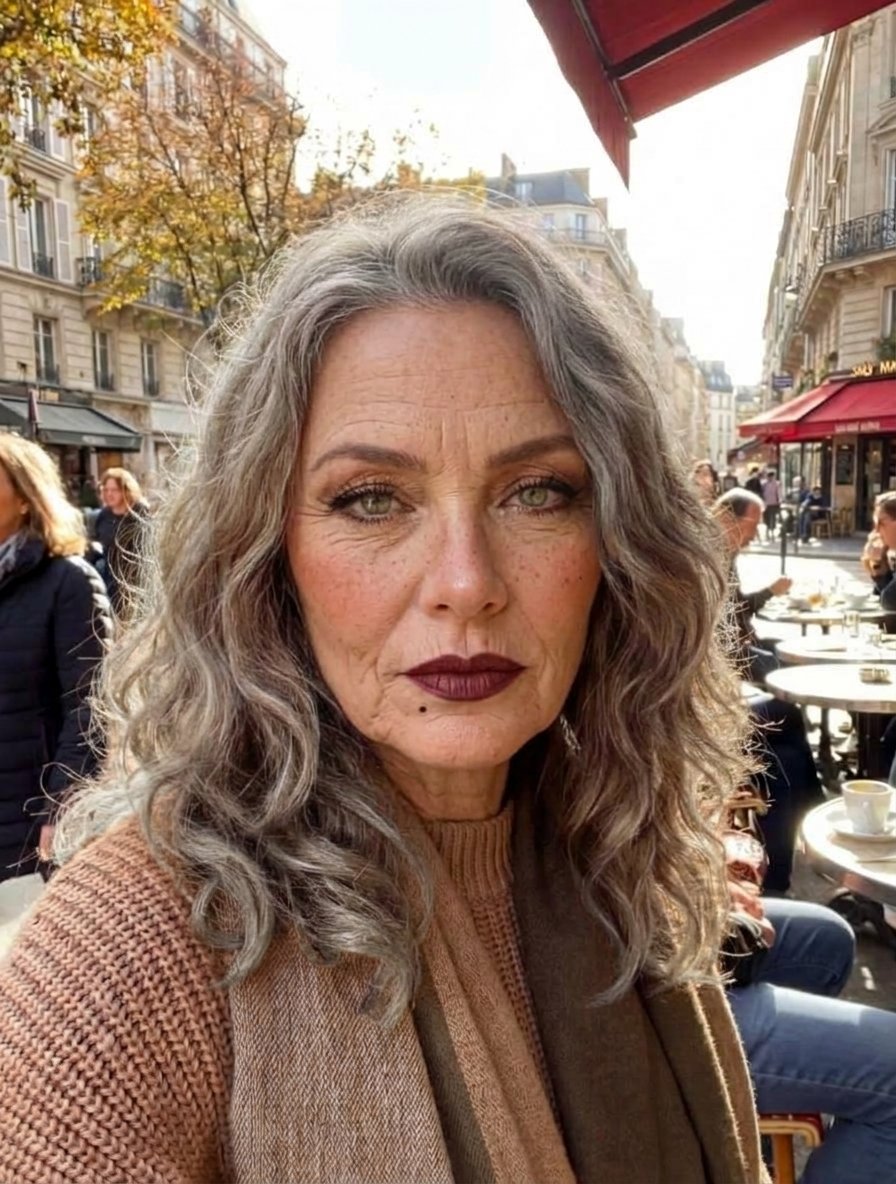
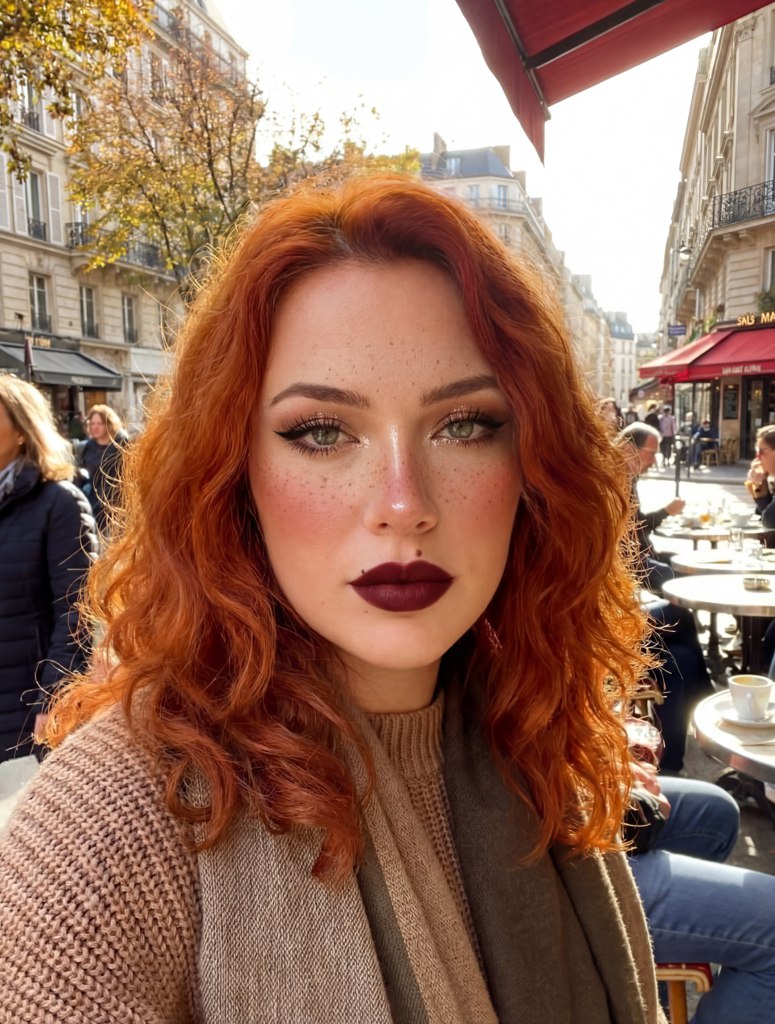
Drag the handle to see the same portrait decades later. Skin texture, hair density and colour change, while face geometry and likeness stay in place — that is the job of a dedicated pipeline branch.
 BeforeAfter
The model adds wrinkles, age spots and grey hair, follows the sagging of soft tissue and still keeps the shape of the nose, eyes and face oval.
Prompts for the time machine
Ready-made prompts for ageing and de-ageing. The formula: target age + features + a requirement to keep identity and lighting.
show the same person 30 years older, keep the face fully recognizable, same pose and lighting, deep wrinkles, grey hair, age spots, natural skin texture, hyperrealistic photography, 4k
age progression to 80 years old, same person, dramatic realistic aging, thin grey hair, deep facial folds, fragile skin, same framing, documentary photography, 4k
make the same person 15 years younger, keep the identity and expression, smoother skin, fewer wrinkles, natural eye area, no plastic look, photorealistic, 4k
photorealistic portrait of how this person will look as an adult, keep family facial features, natural studio light, neutral background, 4k
age progression of this child to 25 years old, preserve eyes, nose and smile shape, natural adult facial proportions, studio portrait, 4k
restore a youthful look from an old scanned photo, keep identity, remove scan artefacts, natural skin, warm vintage tone, 4k
How AI predicts a child’s future look from parents’ photos
Age and family transformations are not a filter on top of a picture — they work with facial features. Here is how the prediction is built and what matters for a believable result.
- 1
How features are blended
The model extracts numeric descriptors of shape and colour for each face: eye shape, bridge width, lip shape. The descriptors of two portraits are then averaged with weights, producing a blended portrait that shows both mother and father.
- 2
Why feature weights differ
Some traits are dominant — chin shape, eye shape, eyebrow density. The model weights such expressions more heavily, which is why the child often resembles the parent with the more pronounced features.
- 3
What to upload
Two front-facing portraits in even light work best. Different angles and covered faces reduce landmark detection accuracy and make the prediction less reliable.
- 4
What happens next
After blending, the generative model fills in details, hair and skin, and upscaling adds resolution. The result is a photorealistic portrait rather than a drawn scheme.
The time machine under the hood
Age shifting happens in the latent space of a diffusion model: the encoder turns the portrait into a compact representation, the prompt sets the direction of change — ageing, de-ageing or growing up — and the decoder rebuilds the image with details filled in and facial structure preserved.
Likeness is handled by facial landmark detection and an identity template. They keep the relative position of eyes, nose and mouth, so the person in the result is still themselves — only skin texture, cheek volume and hair colour change.
Age-specific details such as wrinkles or pigmentation come from a narrow dataset of photos of people at different ages. Extra upscaling removes processing artefacts and makes the picture print- and story-ready.
Try the time machine on your own photo
Pick a scenario — from ageing to predicting what a child will look like.
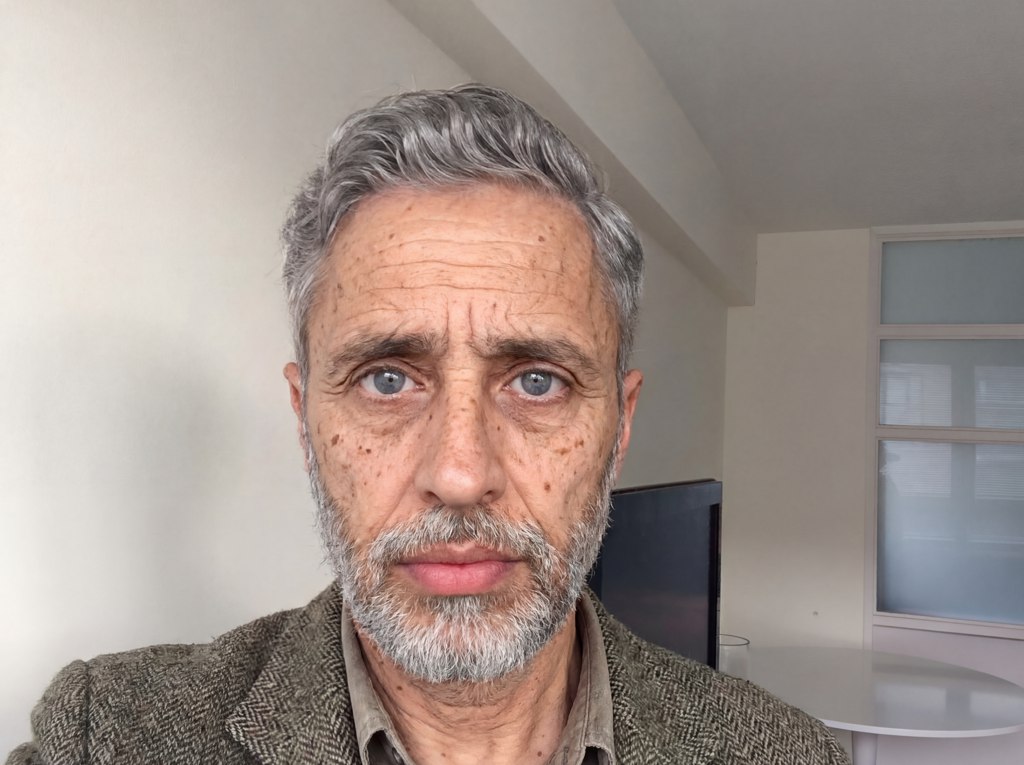
Sostarit photo lico onlayn AI effect
Try it →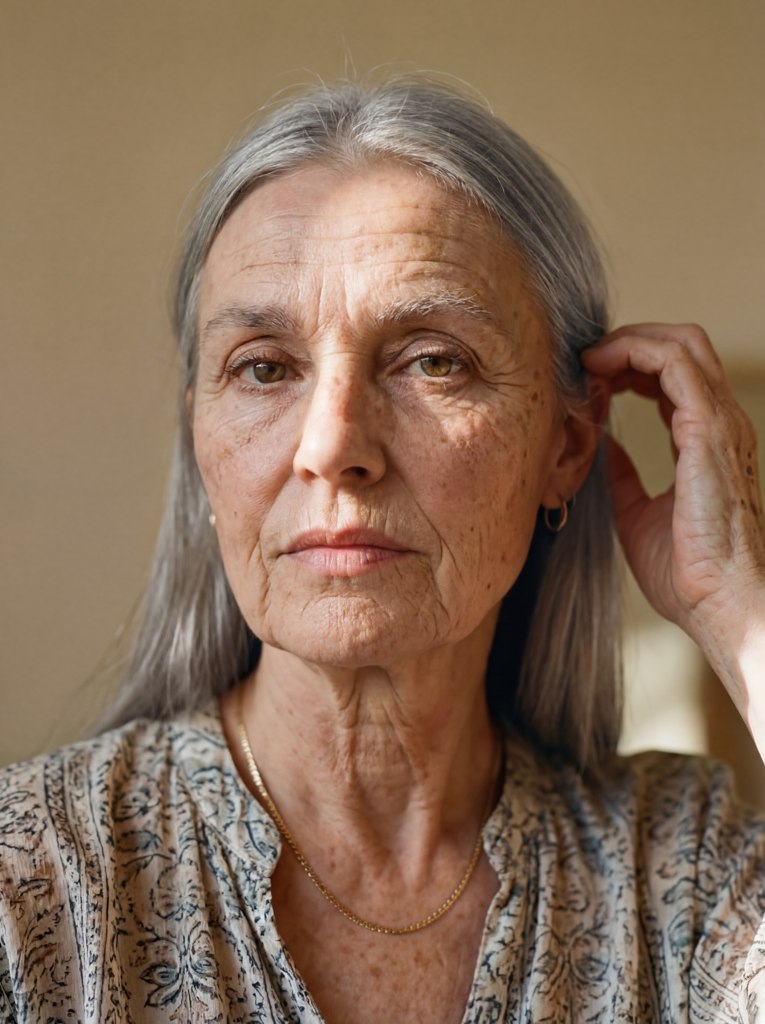
Starenie lica online AI
Try it →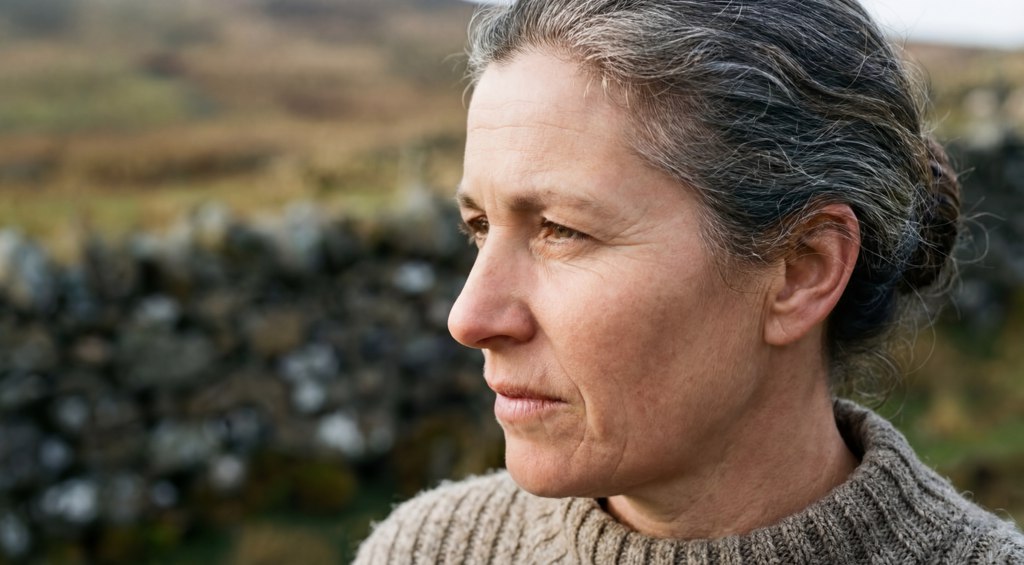
Omologit photo onlayn besplatno AI effect
Try it →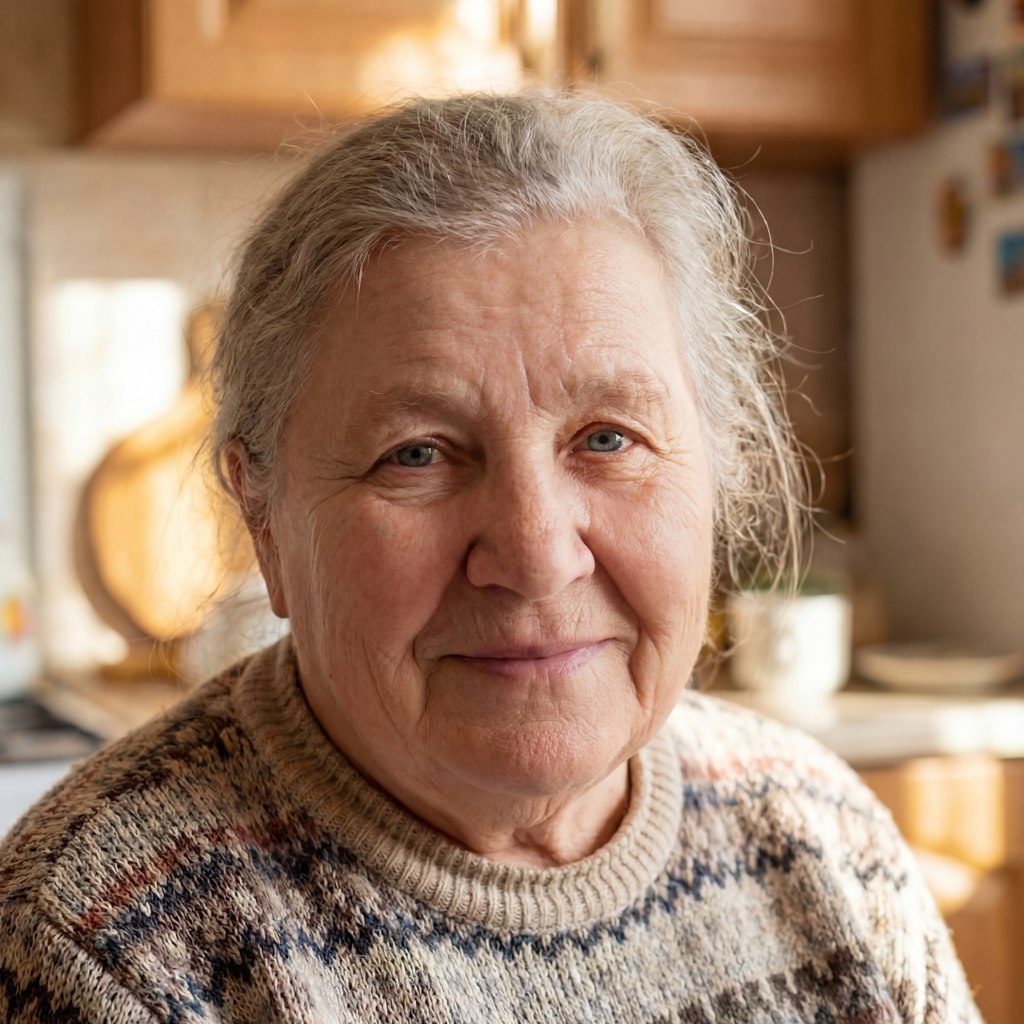
Udalit morschiny photo online AI effect
Try it →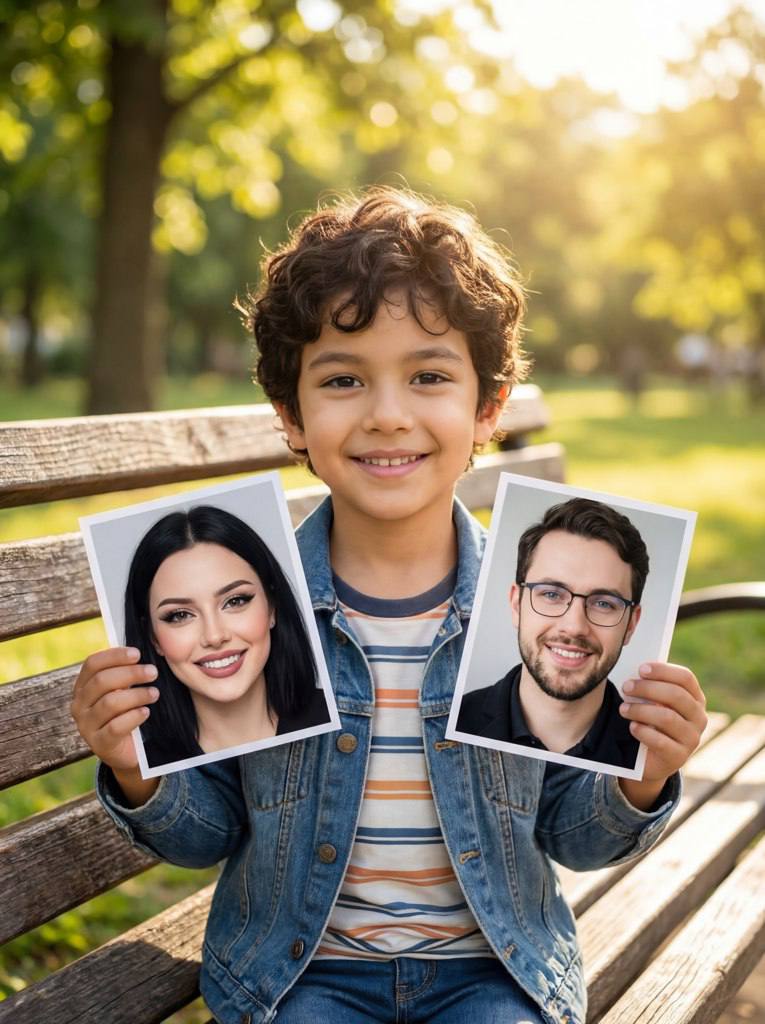
Video budushchiy rebenok AI
Try it →Test vozrast AI effect
Try it →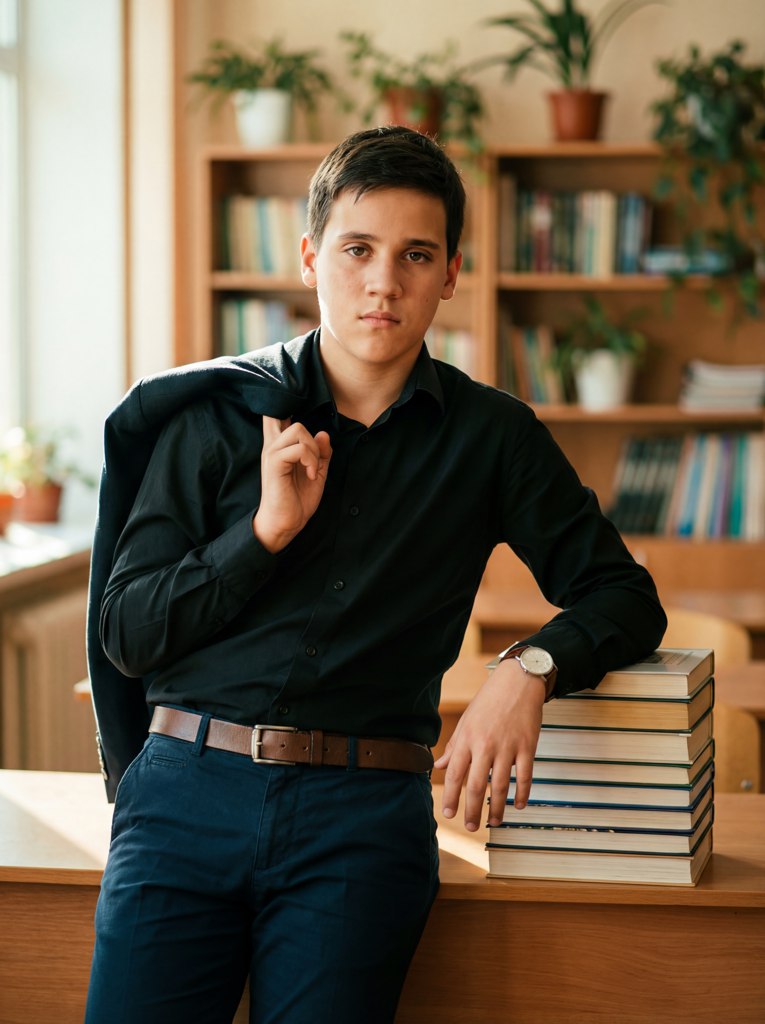
Photo shoot school for kids AI effect
Try it →
AI tool photo shoot day birthday rebenka
Try it →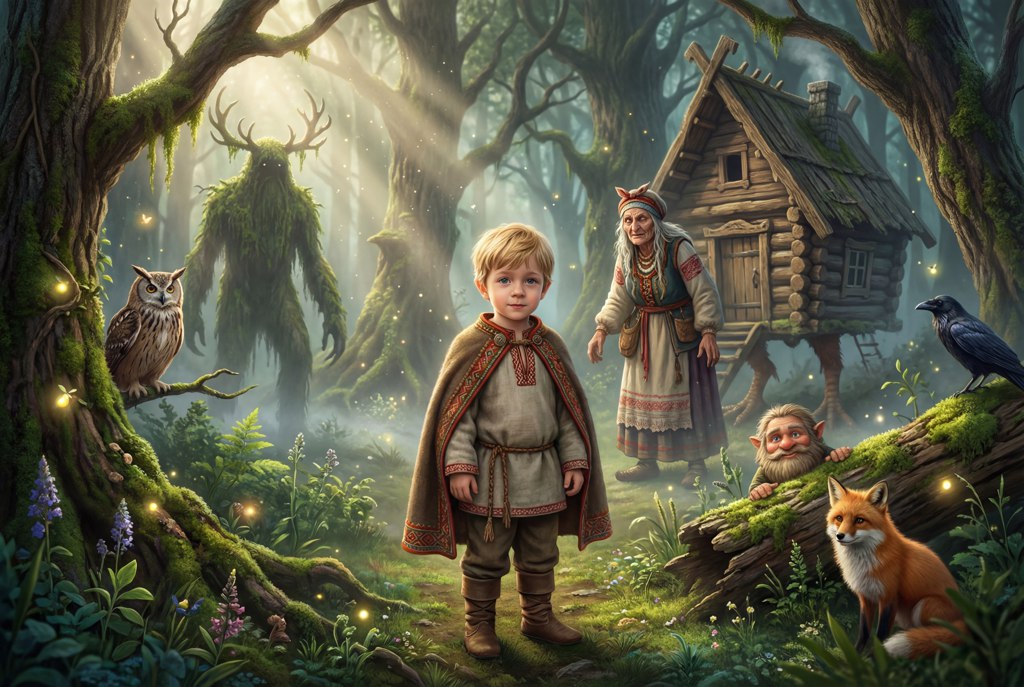
Skazochnaya photo shoot for detei AI effect
Try it →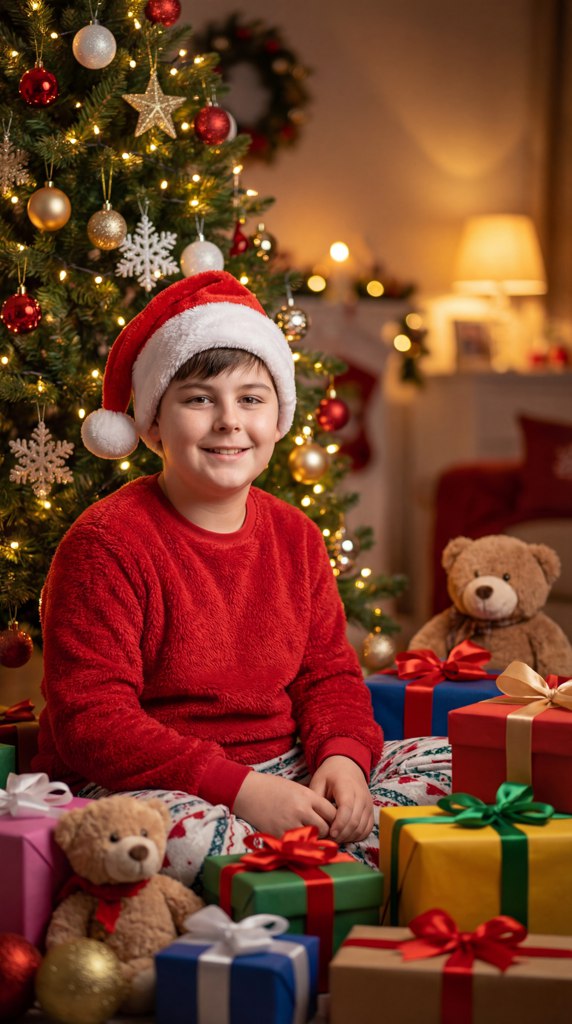
New year portrait rebenka photo AI effect
Try it →What happens to your photos
Uploaded photos are processed in RAM and automatically deleted 10 minutes after generation. We never use your images to train models and never share them with third parties. See the privacy policy for the full rules.
Privacy policy →Frequently asked questions about age change
The portrait is encoded into a latent representation and the prompt sets the direction of change. A dedicated branch tracks facial landmarks, so the nose shape, eye shape and face oval stay the same while ageing shows up in skin texture, hair and tissue volume.
Start the time machine
Look at yourself 30 years from now, drop a couple of decades or see how your child will grow up. One photo — a result in half a minute.
Start the time machine